macOS app
Auduo
Play your Mac on two speakers at once.
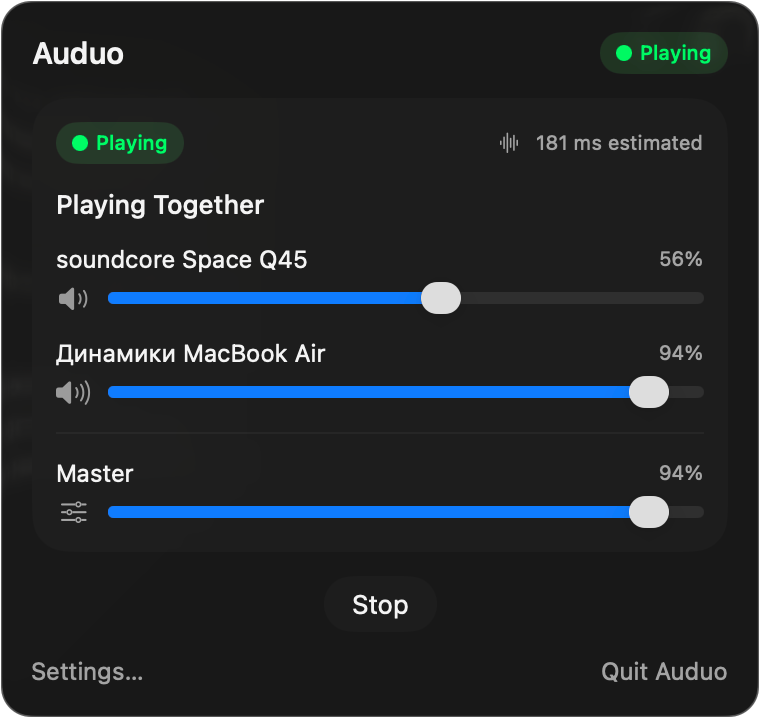
What it is
macOS can already play on several outputs at once — but only if you open Audio MIDI Setup, assemble a Multi-Output Device by hand, pick a clock source, enable drift correction, switch the system output over, and remember to undo all of it afterwards.
Auduo turns that into one button. Pick two outputs, press Play together, and everything — YouTube, Spotify, Safari, games, system sounds — plays on both. Press stop and your previous output comes back.
What I did
- The whole thing: interface, Core Audio layer, packaging.
- Any two Core Audio outputs are supported: Bluetooth, built-in, USB, HDMI, DisplayPort, AirPlay, virtual devices.
- Aggregate device lifecycle is fully managed — created on start, torn down on stop, with the previous output restored.
Notes
The interesting problem is drift. Two independent clocks run at slightly different rates, so without correction the two speakers slide apart within minutes. Auduo picks the clock source and enables drift correction for you, which is the part everyone gets wrong when they build the device by hand.